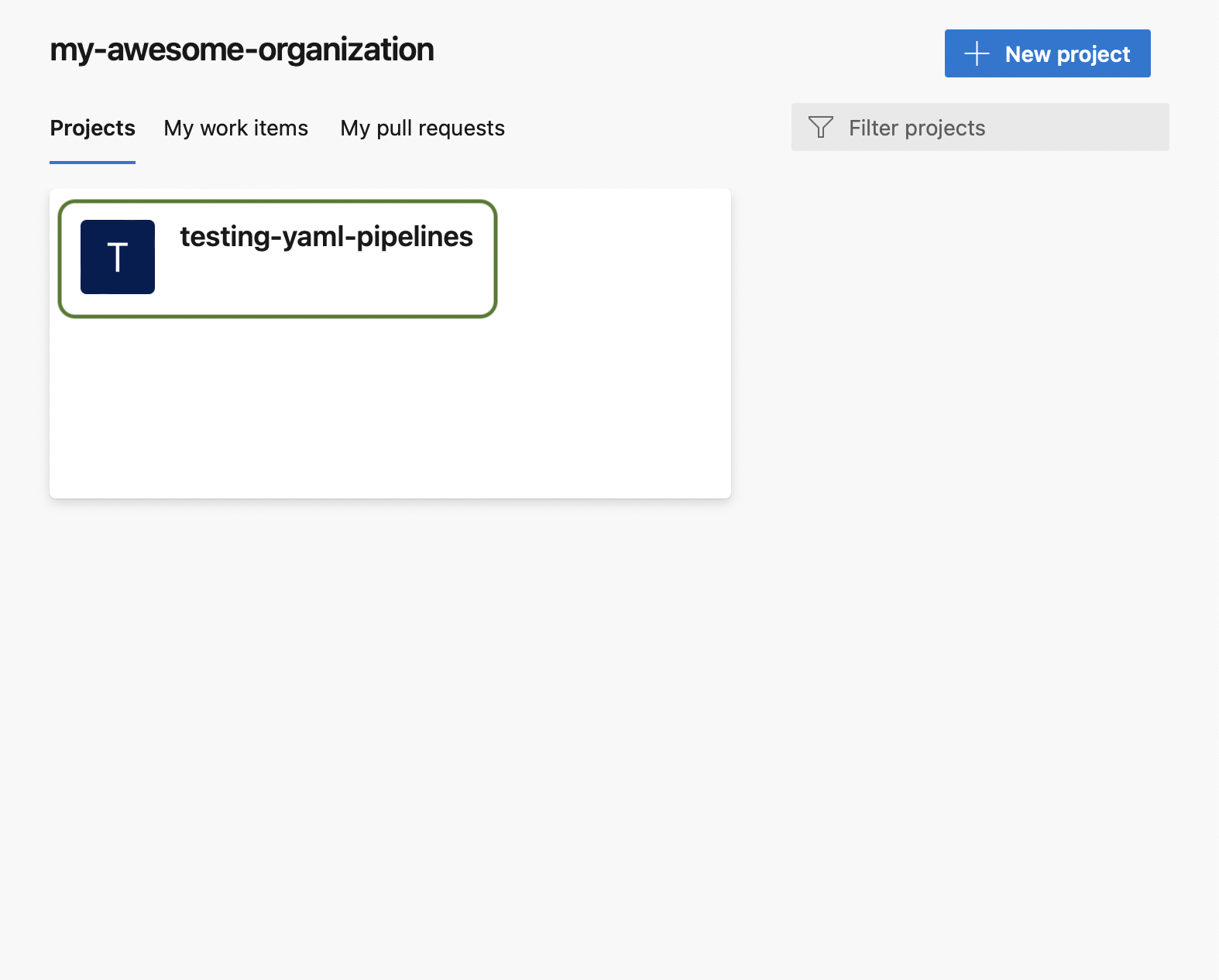
First, select the project where your pipeline is located
You can download your compiled YAML pipeline from the Edit page. Here is how you can find it:
First, select the project where your pipeline is located
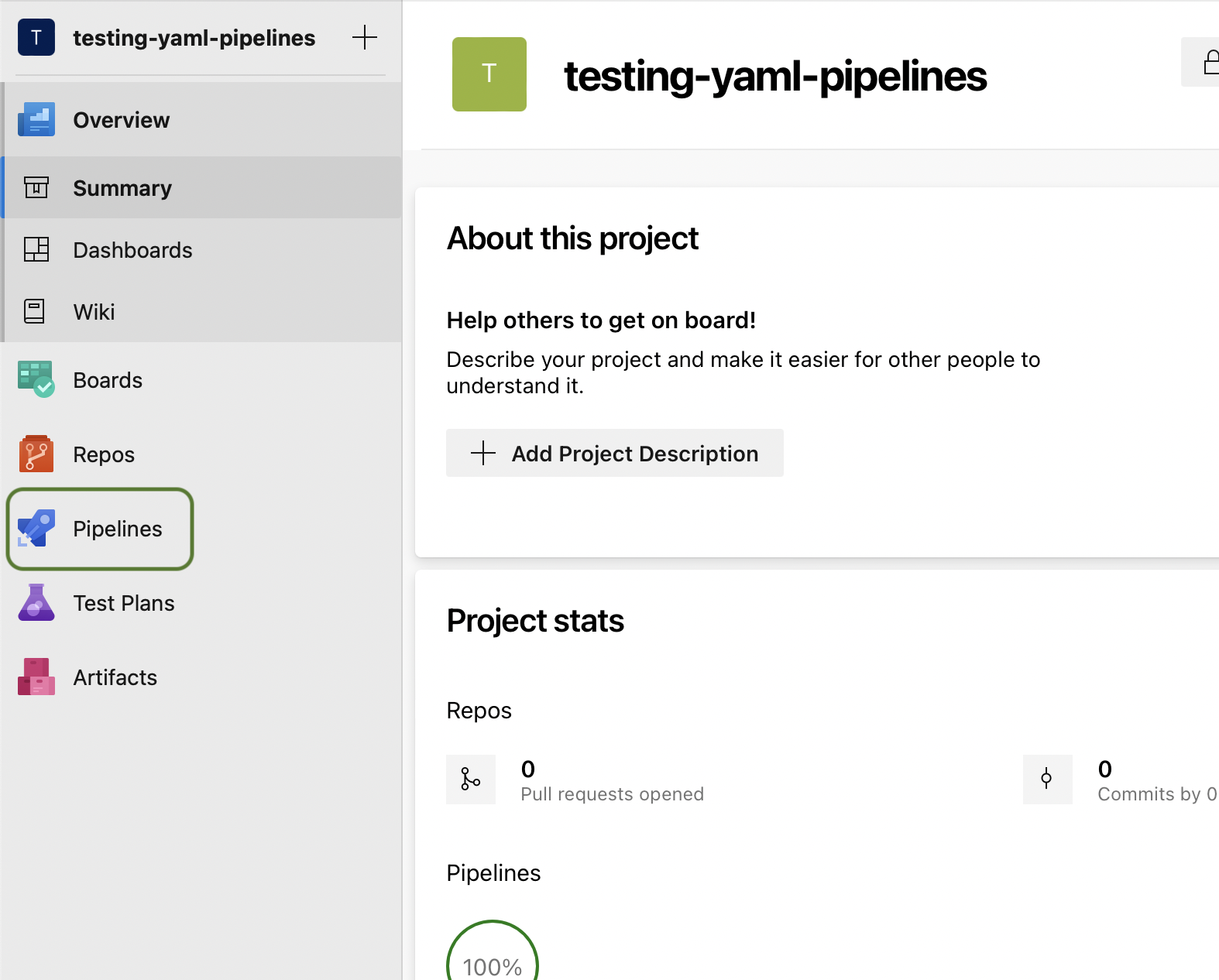
In your project page, click on the pipelines option on the menu at the left
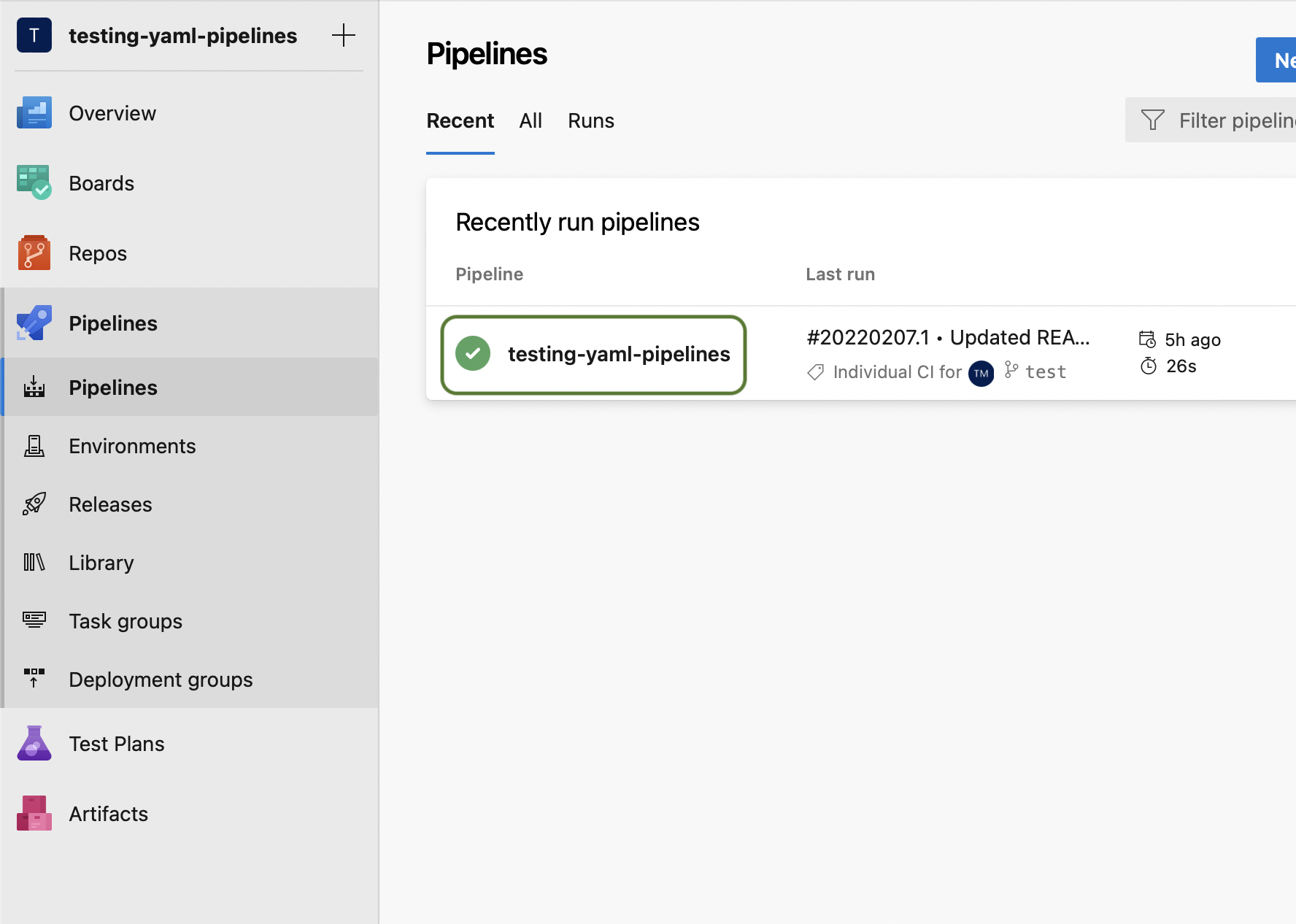
Now, click on the pipeline you want to preview
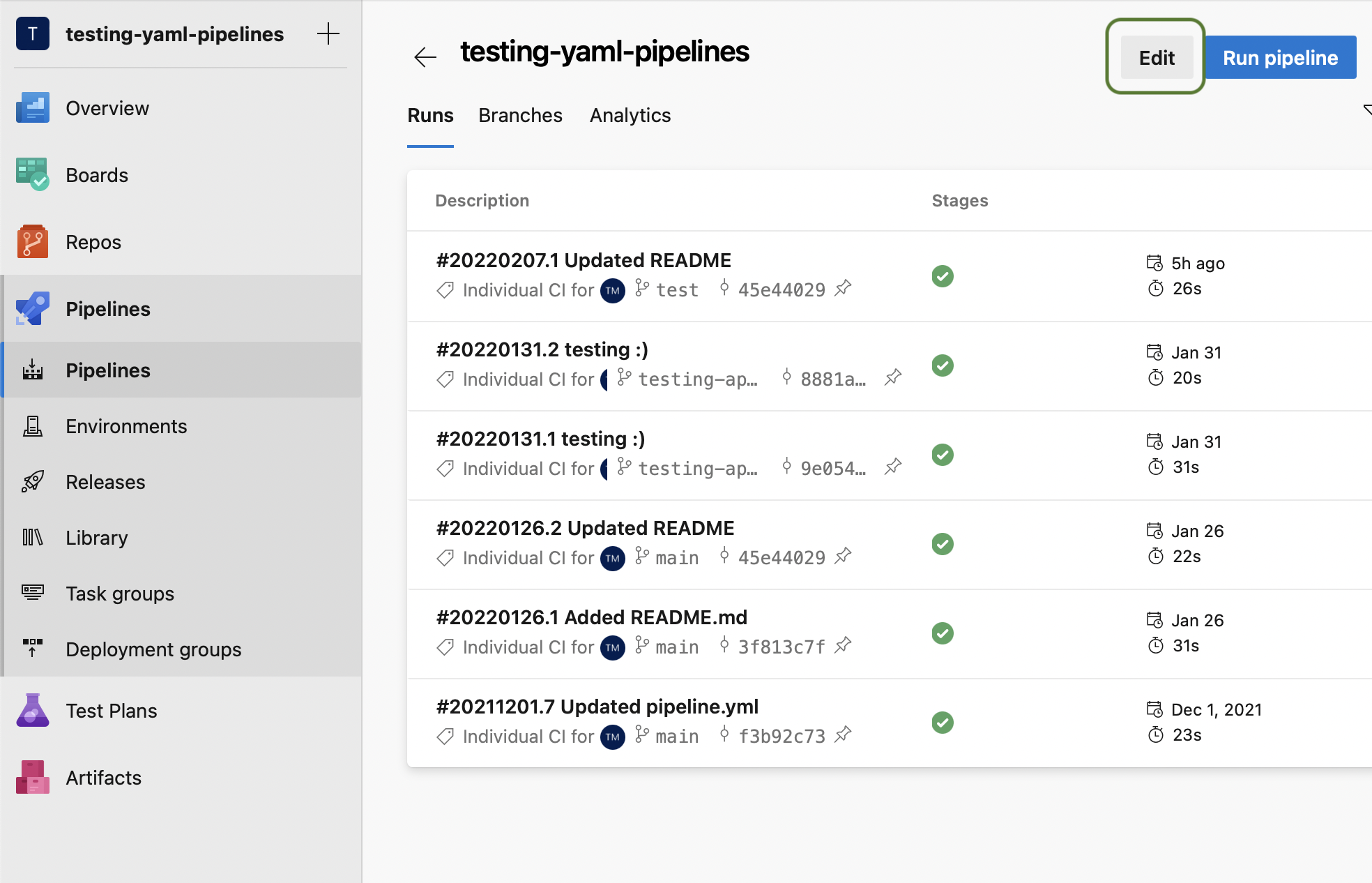
Click on "Edit"
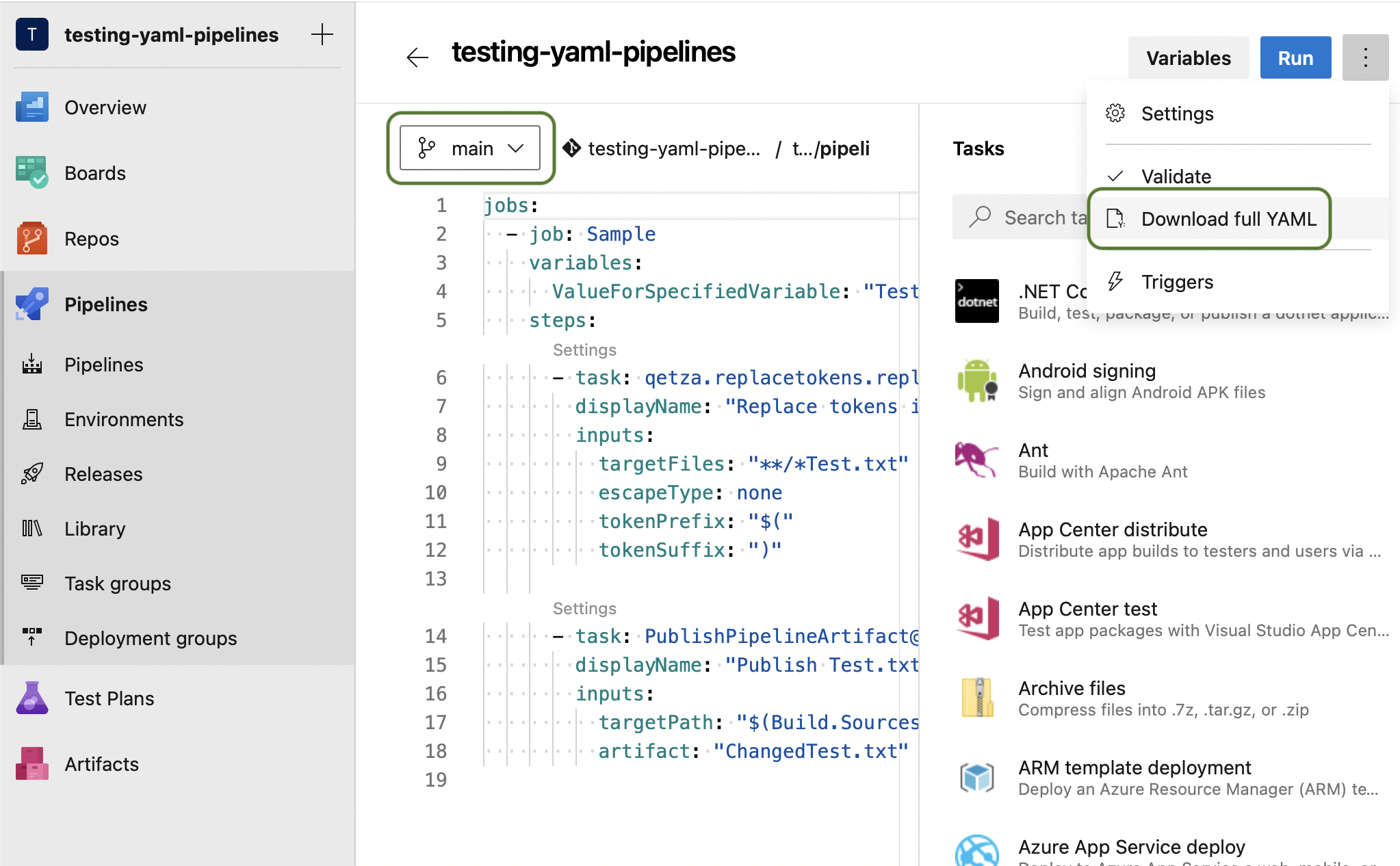
Finally, select the branch you want to use to preview your pipeline, and after the page reloads click on the three dots button at the top right and on "Download full YAML"